
E-Commerce & Web · 3 min read
Catch Layout Bugs Before Your Clients Do: A Practical Responsive Testing Checklist
By the Fulgid engineering team ·
Why layout bugs keep reaching clients
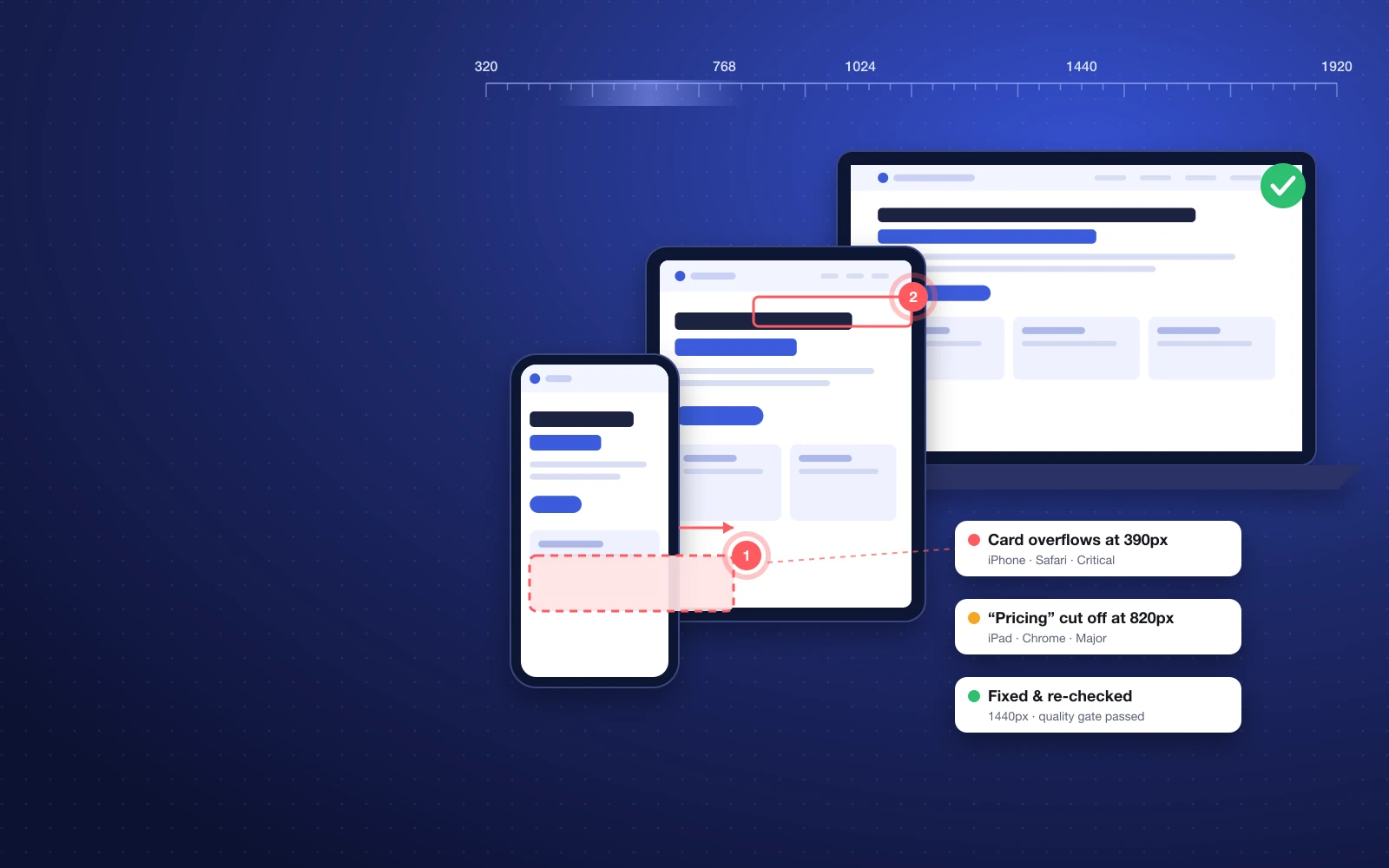
A site gets checked on the developer's laptop, a phone, and maybe a tablet in Chrome DevTools. It looks fine. It ships. Then the client opens it on their phone in Safari and the pricing table runs off the screen, the menu button overlaps the logo, and a heading breaks onto four lines.
Nobody was careless. The problem is coverage. Real visitors use hundreds of screen widths and at least three browser engines, and most layout bugs only appear in the gaps between the sizes you happened to test. A layout that is perfect at 375px and 768px can still break at 412px or 1024px.
The bugs that slip through most often
- Horizontal overflow — one element wider than the screen, so the whole page scrolls sideways on mobile.
- Cut-off and overlapping text — fixed heights, long words, and translated or client-edited copy.
- Tight or collapsing spacing — buttons touching, cards with no gutter at in-between widths.
- Safari-only problems — flex gaps, sticky elements, viewport height units, and form controls behaving differently.
- Accessibility issues — low contrast, missing labels and tap targets that are too small, which also tend to be layout problems on small screens.
A practical responsive testing checklist
Whether you test by hand or with a tool, this is the checklist we use before any Fulgid site goes live:
- Test in real browsers, not just one engine. Chrome, Safari and Firefox render differently; Safari on iPhone matters most for most Indian and global audiences.
- Sweep widths, don't sample them. Drag from 320px to 1920px and watch for the moment something breaks — that's where your breakpoints are wrong.
- Check every template, not just the home page. Blog posts, product pages, forms, 404 and checkout break in different ways.
- Use real content. Long names, long prices, three-line headings and missing images expose layout assumptions.
- Look for horizontal scroll on every page. It's the single most common mobile bug.
- Run accessibility checks against WCAG 2.2. Contrast, labels, focus states and target sizes.
- Re-check after the fix. A fix at one width often breaks another. Confirm it at every size, not only the one in the bug report.
- Get client sign-off on the page itself, not on a screenshot in an email thread.
The checklist is simple. Doing it for every page, on every release, across three browsers and a full width sweep is what nobody has time for.
How UICheck automates it
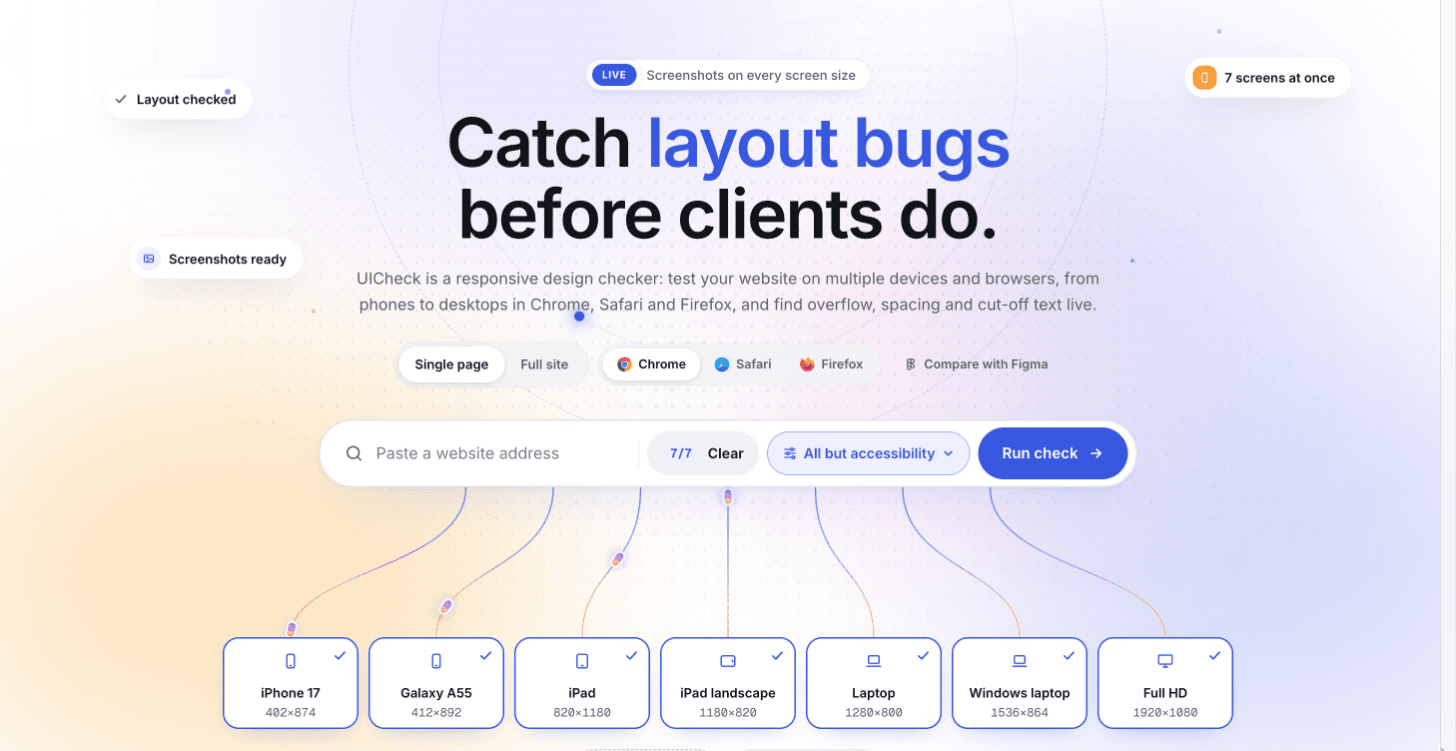
We built UICheck because we needed this checklist to run on every release, not just before launch. Paste a URL and UICheck opens the page in real Chrome, Safari and Firefox at phone, tablet and desktop sizes — and every width from 320 to 1920px — across the whole site.
- Find every problem: overflow, cut-off text, tight spacing and WCAG 2.2 accessibility issues, with the exact screen size and browser where each one appears.
- Fix it where you work: each issue comes with what to change, in plain words, plus the CSS UICheck tested. Send it to Linear, Jira, GitHub, Worksynk or Slack — or to your AI coding assistant.
- Prove it's fixed: mark an issue fixed or close the task, and the page is checked again. The quality gate says whether it's really gone.
- Let clients comment on the page: pins, areas and arrows exactly where they mean, plus sign-off when it's right.
- Run it from CI so layout regressions are caught before they're merged, on any stack.
Where it fits in your workflow
Run a check when a page is built, again before it goes to the client, and automatically in CI after that. Designers see where their layout bends, developers get a precise fix instead of a vague screenshot, and account managers stop hearing about bugs from the client first.
Try it
UICheck is made for agencies, product teams and freelancers who ship sites every week. You get 5 free checks a day, with no card needed. See how UICheck works, or talk to us if you'd like Fulgid to build — and properly test — your next site.
- responsive design testing
- cross browser testing
- website QA checklist
- UICheck