SaaS & Product · 4 min read
How to Spot a Slipping Project Before the Deadline Does — and Why We Built Worksynk
By the Fulgid engineering team ·
Projects don't fail on deadline day
Ask any agency owner when they found out a project was in trouble, and the honest answer is usually "later than I should have". The status meeting said green. The tracker showed tasks moving. Then, two weeks before launch, it turned out the integration nobody owned was blocked, the client had added three "small" features, and half the remaining estimate was optimistic.
None of that happened on the last day. It built up quietly, in places a weekly status update doesn't look. We've delivered client software at Fulgid for over a decade, and the pattern repeats across stacks and industries: slipping work leaves signals long before it misses a date. The trick is watching for them every day instead of once a week.
Six early signals that a project is slipping
1. Scope grows faster than work closes
Scope creep rarely arrives as one big change request. It arrives as a comment, a call, a "while you're in there". If new work items are being added faster than existing ones close, the finish line is moving away from you — even if everyone is busy.
2. Work stalls without anyone saying so
A task that has been "in progress" for nine days is not in progress. Stalled items are the most reliable early signal, and the easiest to miss in a long board.
3. Blockers have no owner
"Waiting on the client for API keys" is a blocker. "Waiting on the client for API keys, and Priya is chasing it by Thursday" is a plan. Unowned blockers age silently.
4. Time logged doesn't match progress
When hours keep climbing on a milestone but its work items aren't closing, the estimate was wrong or the problem is harder than expected. Either way, you want to know now, not at invoicing.
5. The client goes quiet
Slow approvals and unanswered questions stretch timelines just as much as slow development. Client-side delays need to be visible to the client too, not only to your team.
6. Milestones slide one day at a time
A milestone that moves "just to Monday" three times has moved three weeks. Small, repeated slips are a trend, not noise.
Why status meetings miss these signals
Status updates are written by people who want the project to be fine. That isn't dishonesty — it's optimism, plus the fact that nobody has time to re-read every task on every project every week. The signals above live in the data: dates, counts, owners and hours. They're best measured from the work itself, consistently, every day.
One number per project: the delivery confidence score
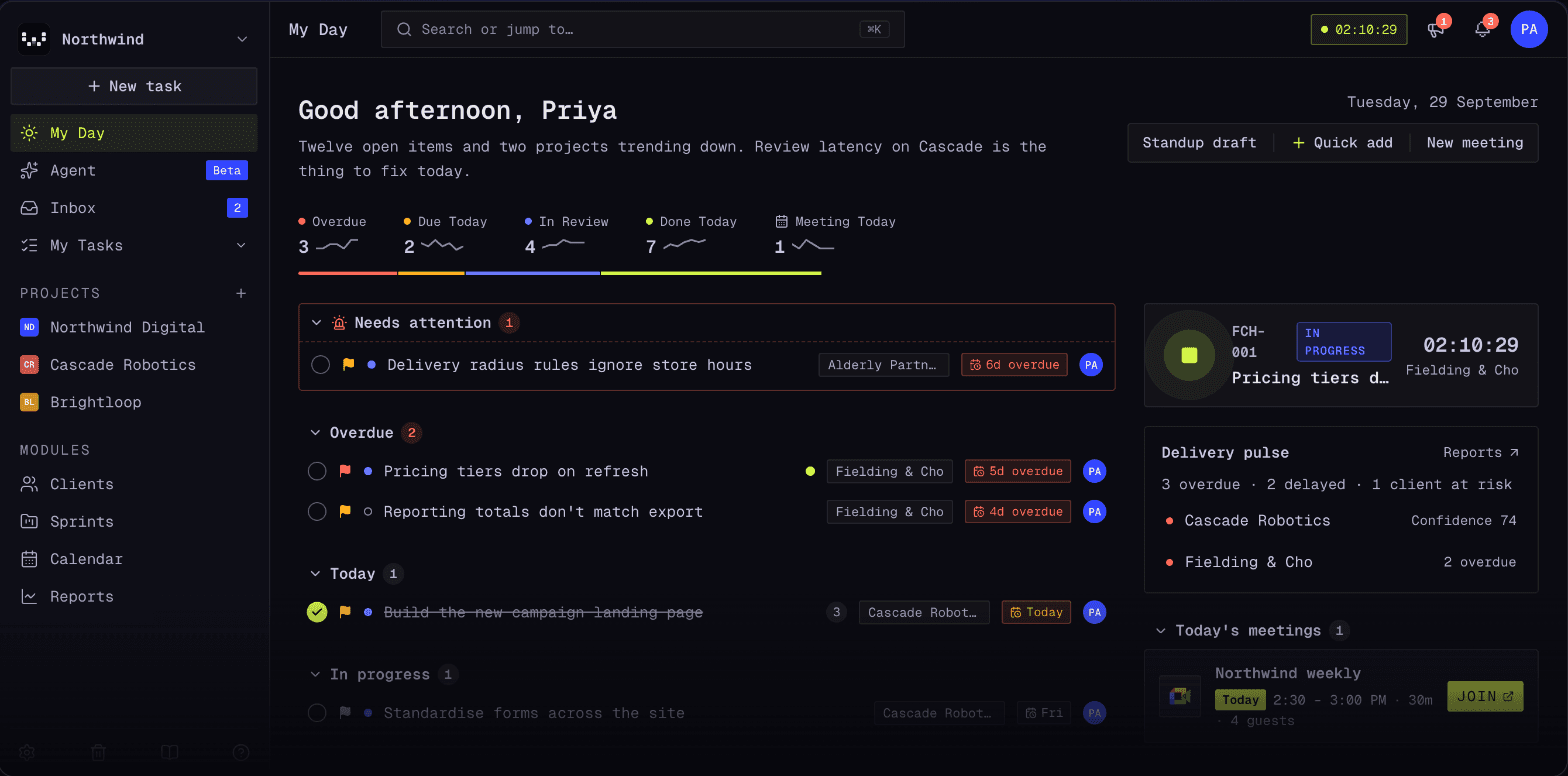
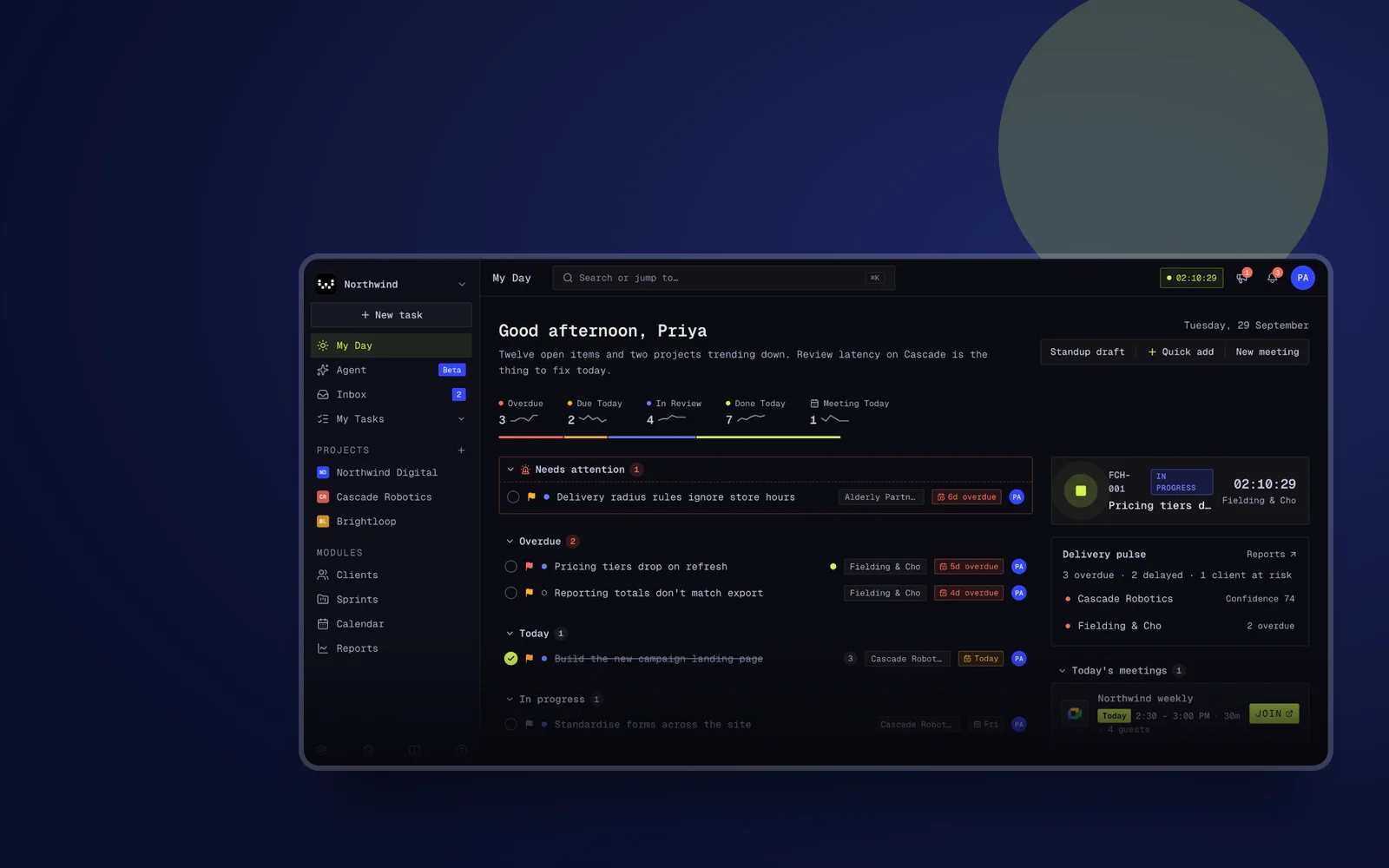
That's the idea behind Worksynk, the project delivery platform we built and use at Fulgid. Tasks, sprints and milestones live in one hierarchy, with time tracking honest enough to bill from. On top of that, Worksynk captures a delivery confidence score for every project, every day, computed from your own project data — not from how the status update was worded.
- Scope creep is flagged when work is added faster than it closes, and shows up in the score instead of in a surprise at the end.
- Stalled work is caught automatically, so a nine-day "in progress" ticket gets noticed on day three.
- The blocker radar shows what's blocked across projects and who owns each blocker.
- Clients get a real seat: they follow progress and collaborate in the same place your team delivers from, so client-side delays are visible to everyone.
Leaders get a short answer to the only question that matters in a Monday meeting — which projects are on track and which aren't — and the reasons behind each score.
AI agents, under policy
Worksynk also lets AI agents work on your projects: drafting updates, chasing blockers, preparing client emails. Every agent action is checked against policy, budgeted and logged in an audit trail, and anything that leaves the building — like an email to a client — waits for a person to approve it. Automation helps most when you can trust exactly what it did.
A simple weekly routine that works with or without a tool
- List every project with its next milestone date and whether that date moved this week.
- Count work items added versus closed per project.
- Name an owner and a date for every blocker.
- Flag anything "in progress" for more than five working days.
- Share the client-side blockers with the client, in writing.
Do this every week and you'll catch most slips early. Worksynk simply does it every day, for every project, without anyone having to remember.
Try it
Worksynk is built for agencies, studios and delivery teams running client projects. It's free for 90 days, with no card needed, and teams are usually live the same day. See how Worksynk works, or talk to us if you'd like help setting up delivery tracking for your team.
- project delivery management software
- project management for agencies
- scope creep
- Worksynk